# Site Layout
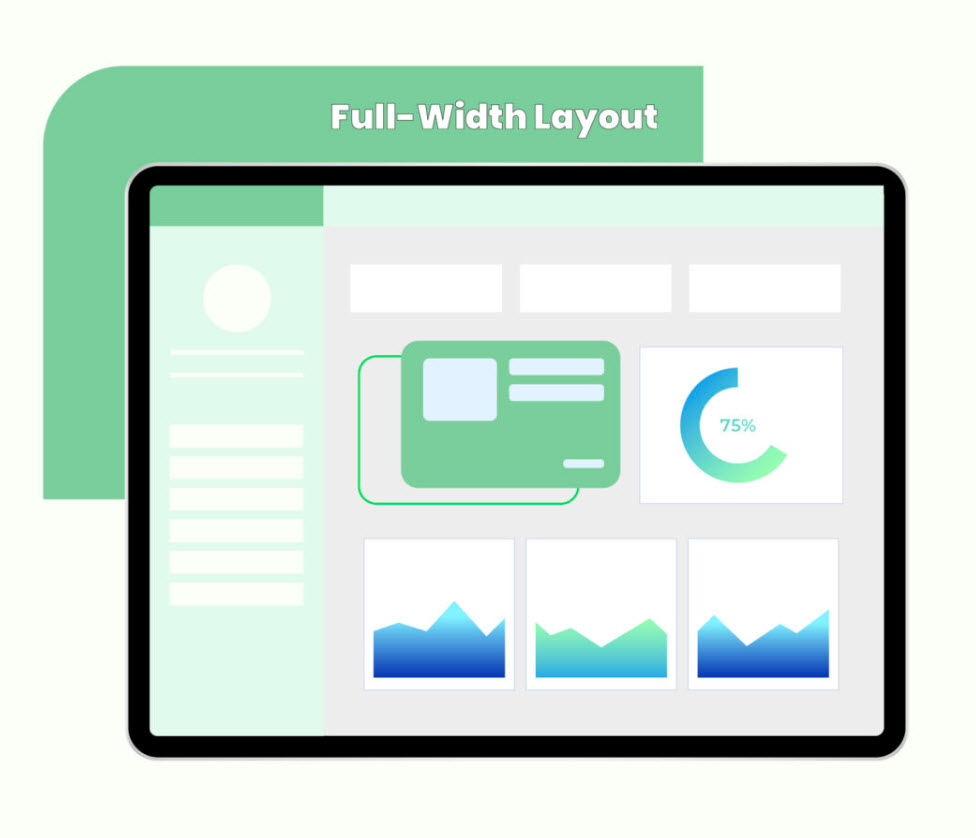
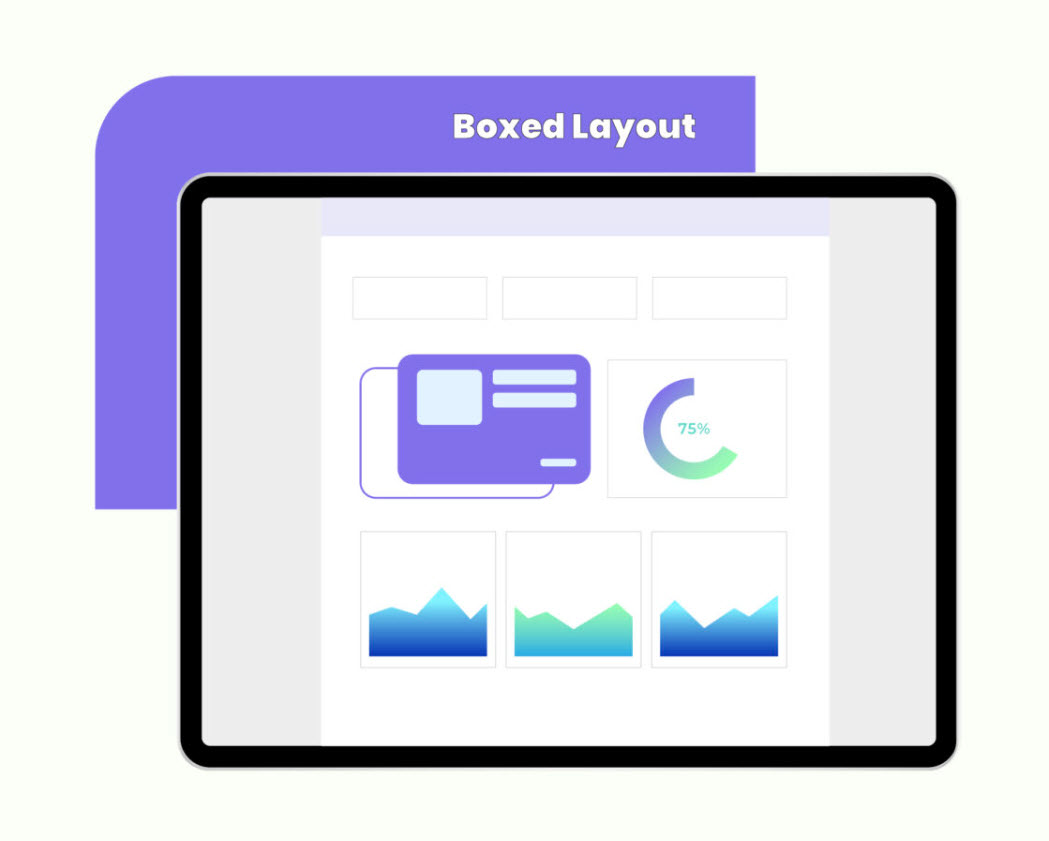
The **Site Layout** setting allows you to toggle between **Full Width** and **Boxed** layouts, and this choice will apply consistently across the entire website.
{% hint style="success" %}
Here's a short form of the **Site Layout** settings process
**Step 1 : Login** to your WordPress admin dashboard.
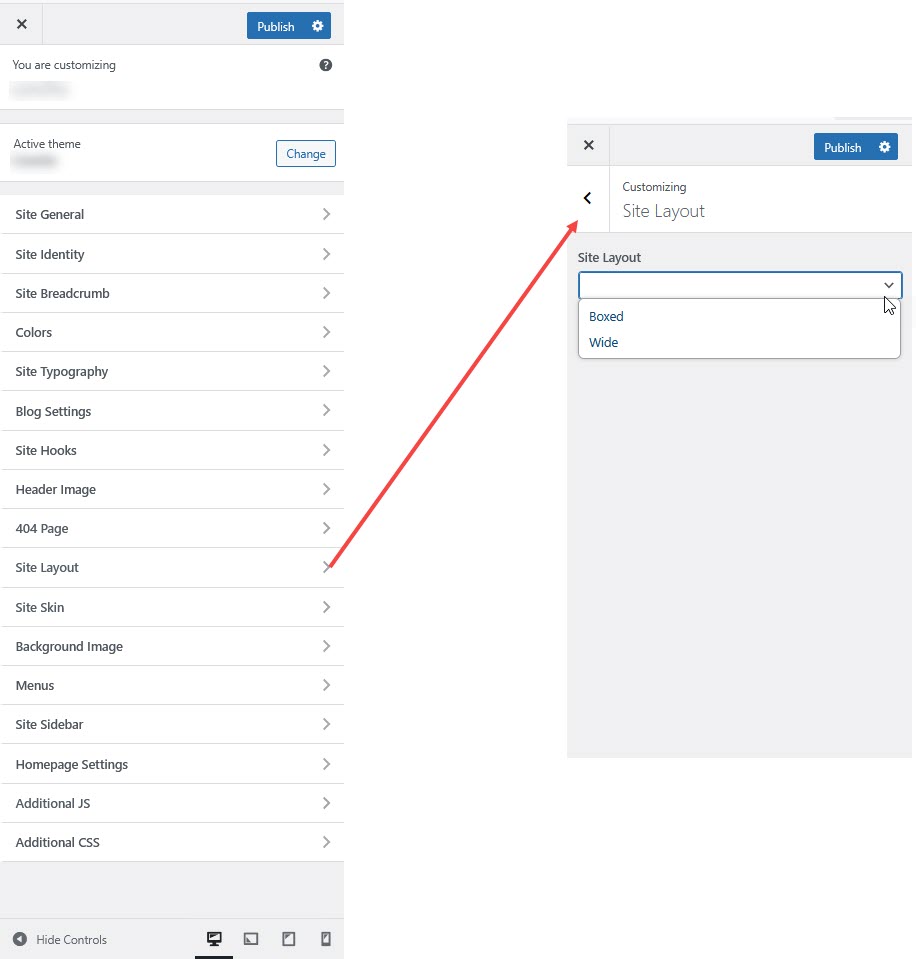
**Step 2 :** Go to **Appearance** > **Customize > Site Layout**.
**Step 3 :** Select **Site Layout > Full Width** and **Boxed** .
**Step 4 :** Adjust the settings according to your preferences.
**Step 5 :** Click **Publish** to save your changes.
{% endhint %}
#### **Site Layout Options**
**1. Site Layout Options**
* **Boxed Layout** – The website content is wrapped in a container with a background surrounding it.
* **Wide Layout** – The content spans the full width of the browser window without a background wrapper.
**2. Boxed Layout Customization *****(Only if Boxed Layout is enabled)***
* **Customize Boxed Layout?**
* **YES!** to customize the boxed layout settings.
* **Background Settings**
* **Background Color** – Select a color for the site’s background.
* **Background Image** – Upload a background image to apply behind the boxed layout.